Free gallery wall planner
Design your gallery wall before you drill a single hole.
See your art, picture frames, wall panels, mirrors, lights, shelves, and other wall objects on your own wall, at their real size. Arrange them, compare multiple layouts, and get measurements before anything gets hung. Don't have frames yet? We've included a set of frames from popular manufacturers including Ikea, Nielsen and Halbe Rahmen.
- No account needed
- Free to use
- Your images stay on your device
One simple tool to go from empty wall to your favourite gallery wall with measurement plan.
Your gallery wall should be experimented with before it becomes permanent.
Tape outlines and floor layouts help, but they cannot show how a collection will sit with the furniture, light, and proportions of your room.
Frames on the Wall turns your actual wall into a working canvas. Try the bold version, the quiet version, and the one you had not considered yet.
01 / See the whole room
Design in context, not on a blank grid.
Upload a photo of the wall you are working with. The sofa, doorway, ceiling, and awkward corner all stay in view while you arrange.
- Upload your own room photo or start with a built-in wall
- Use exact outside frame sizes, mats, finishes, and artwork
- Save alternative layouts and compare them before you decide


02 / Use what you actually own
Real frames. Real artwork. No guessing the footprint.
Work with custom dimensions for your frames or choose from more than 1,600 researched frame sizes from popular manufacturers such as Ikea, Halbe Rahmen and Nielsen. The planner separates artwork format from the frame's true outside size, so the wall layout reflects the space it will really occupy.
03 / Decide without settling early
Experiment at will. Keep the good ideas. Compare and get the best one.
Save named layout alternatives as you work. Switch between a calm grid, a collected salon wall, or your own composition without losing your previous options.
When you've chosen your preferred gallery wall design, export an image of your design as well as a measurement report to help you hang your frames on your own wall.

04 / Plan beyond frames
Now add the objects that finish the wall.
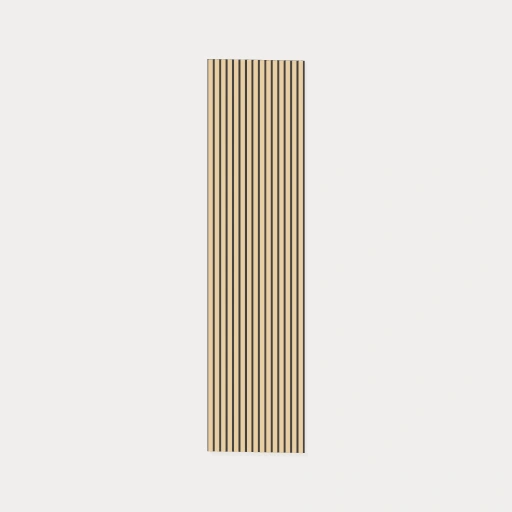
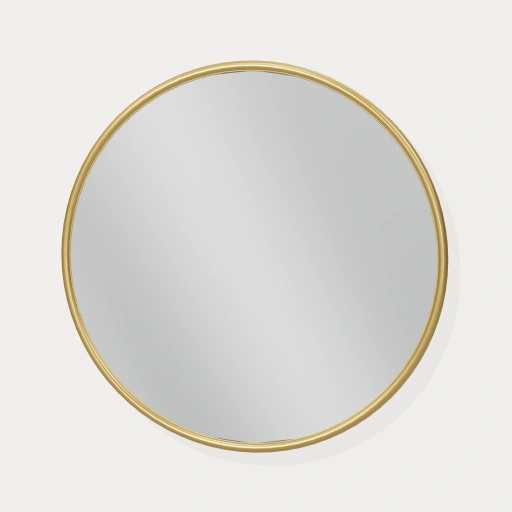
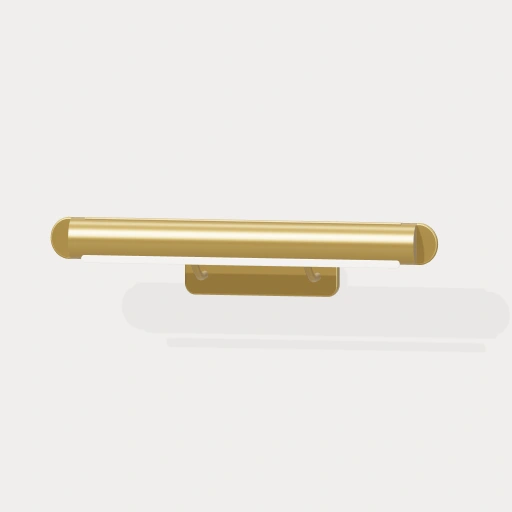
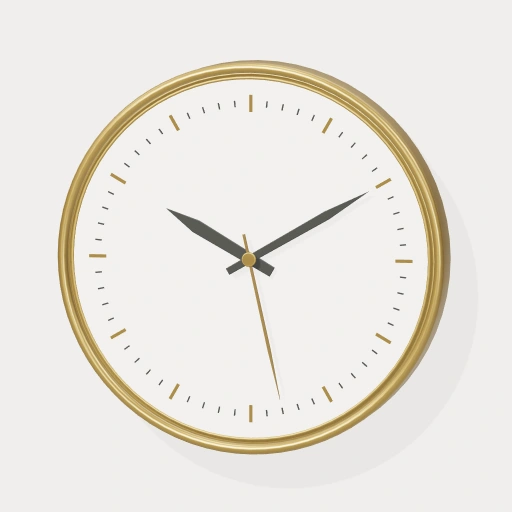
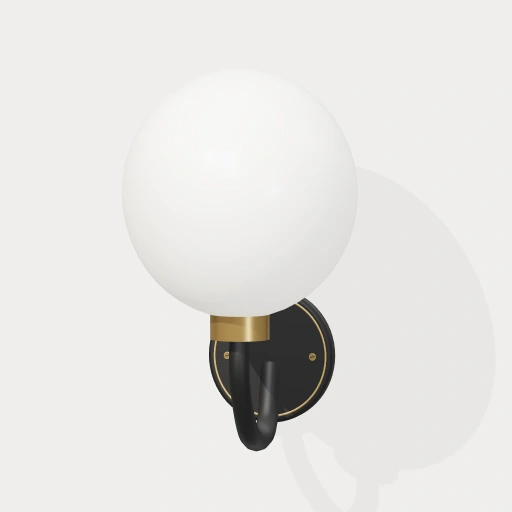
Plan the complete wall, not just the frames. Add scalable wood slats, acoustic panels, fluted panels, and wainscoting, then combine them with mirrors, picture lights, sconces, clocks, shelves, plants, and decorative pieces. The 3D library includes 50+ measured objects you can drag onto your own wall photo, resize, choose finishes for, and place on the wall or on shelves.
- Scale panels to fit any width and height; repeating slats and flutes keep their natural proportions instead of stretching
- Lights can switch on with a warm glow; mirrors show a soft room reflection in your wall colour
- Real dimensions, shadows, standing and leaning on shelves help you plan the whole wall

From photo to plan
Easy enough to start now. Detailed enough to trust later.
The editor guides you through the initial setup, then gets out of the way while you refine. A tutorial is available at any time.
- 01
Bring in your actual wall
Upload a photo of your room with your wall clearly visible (and ideally from a straight perspective) or choose one of our built-in wall options.
- 02
Set the real scale and perspective
Mark one known distance - for instance a door opening - on your wall photo for a quick scaling estimate, or mark any known rectangle when you need perspective correction.
- 03
Arrange real frames
Add exact frame sizes, artwork or photos and define mats if desired. Start from a layout pattern or generate your own by dragging your frames across the canvas.
- 04
Compare and export
Save your named alternative layouts, review spacing, and export a clear image or measurement PDF for your final check.
Private by design
Your room is not our content.
Your wall photos, artwork, and projects are processed and saved in your browser. They are not uploaded to a Frames on the Wall server. You can plan a personal space without handing that space over.
Read the privacy detailsNeed a little direction?
A practical guide to planning a gallery wall.
Learn how to photograph the wall, choose the right scale method, measure frame exteriors, set spacing, and check the final plan before drilling.
Read the planning guide
Design your gallery wall for free
Experiment and design the gallery wall you've always dreamed of.
Start with your own photo or a ready-made wall. No account required.
Start designing for free